1
Pick your account
The account list appears at launch. Create new accounts and change their name, avatar and theme.
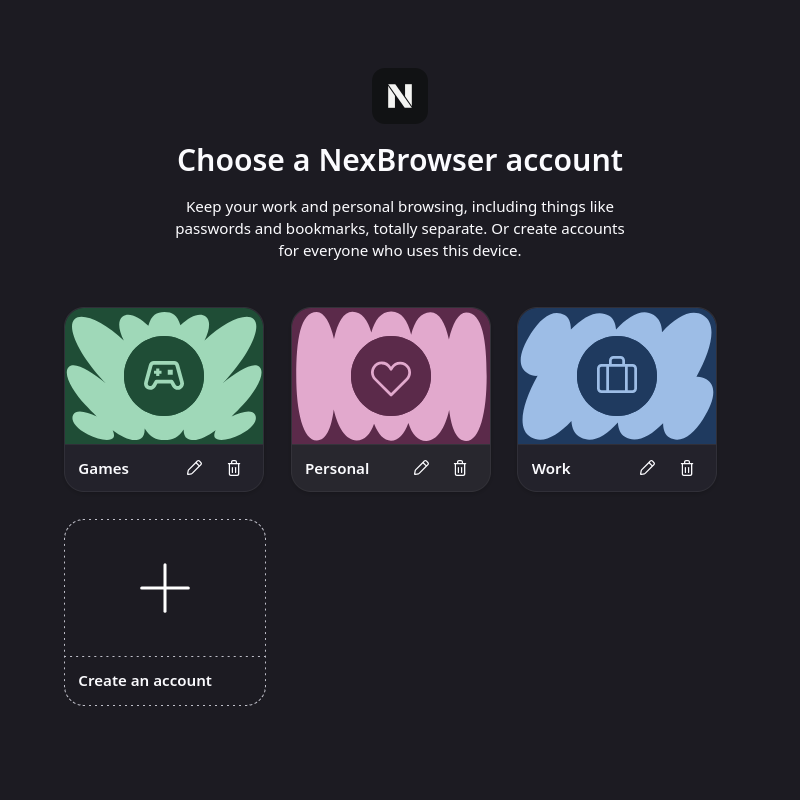
NexBrowser asks which account to use when it starts. Each account keeps its own history, bookmarks, open tabs and saved passwords. Lock an account with a password if you want.
The account list appears at launch. Create new accounts and change their name, avatar and theme.
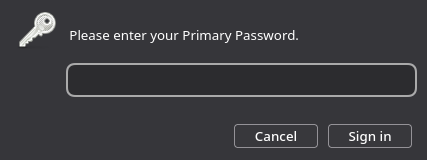
For a locked account no browser window opens before the password is entered. Cancel and NexBrowser quits.
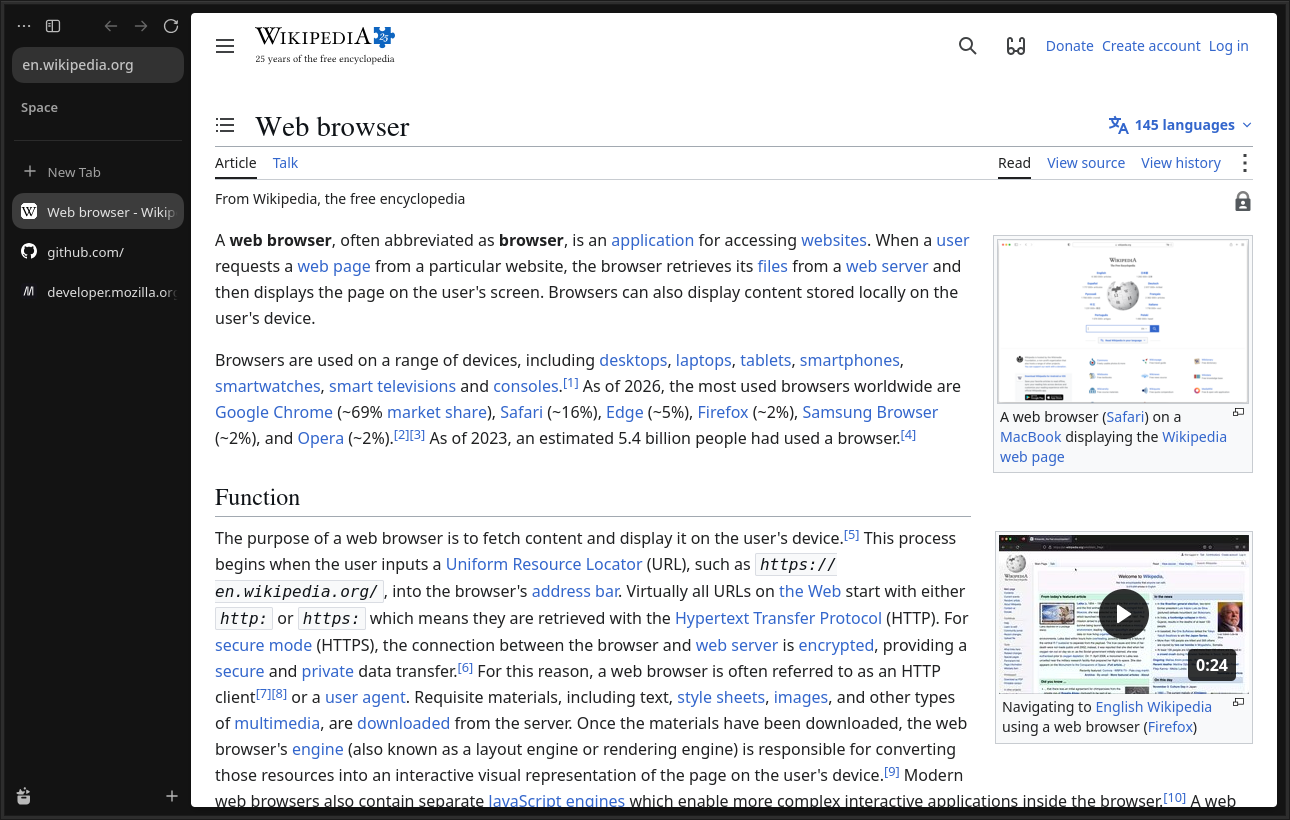
Your tabs, workspaces and sessions are waiting. Other accounts' data is not visible.
The account password is Firefox's Primary Password. Saved passwords and certificates are encrypted with a key derived from it.
When a locked account is chosen, the password is asked before any browser window opens. Cancel closes the browser.
Each account is its own profile folder on disk; history, cookies and extensions are never shared between accounts.