Fewer processes
Instead of one process per site, only signed-in and high-value sites get their own. Same tabs: 12 processes, 36 in Zen.
12 / 36 processesNexBrowser / Zen, same tabs
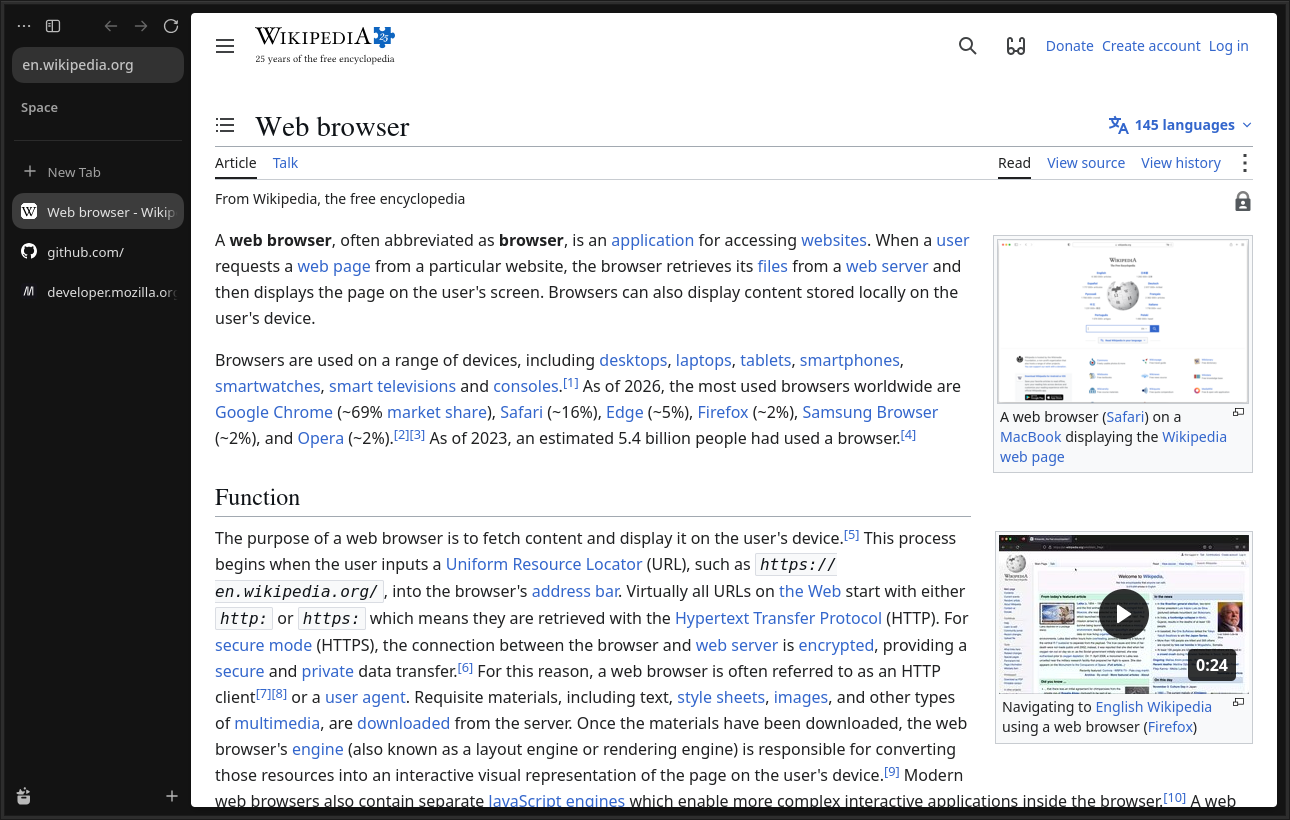
NexBrowser keeps Zen's calm interface, runs fewer processes in the background, puts idle tabs to sleep on its own and locks every account with its own password.
60 s
Empty profile, the same 8 sites. NexBrowser runs 12 processes, Zen runs 36.
+150 s
Background tabs go to sleep and give their memory back. In Zen the picture barely changes.
Result
For this test the sleep timer was lowered from 20 minutes to 1 minute. By default, tabs sleep after 20 minutes.
60 s after launch, median of 3 runs. Details on the Memory page.
Instead of one process per site, only signed-in and high-value sites get their own. Same tabs: 12 processes, 36 in Zen.
Background tabs left alone for 20 minutes are unloaded and reload where you left off when you click them. Tabs playing audio, pinned tabs and tabs in a call never sleep.
The back/forward cache and the decoded image cache are capped, and prefetching the next page is off.
01
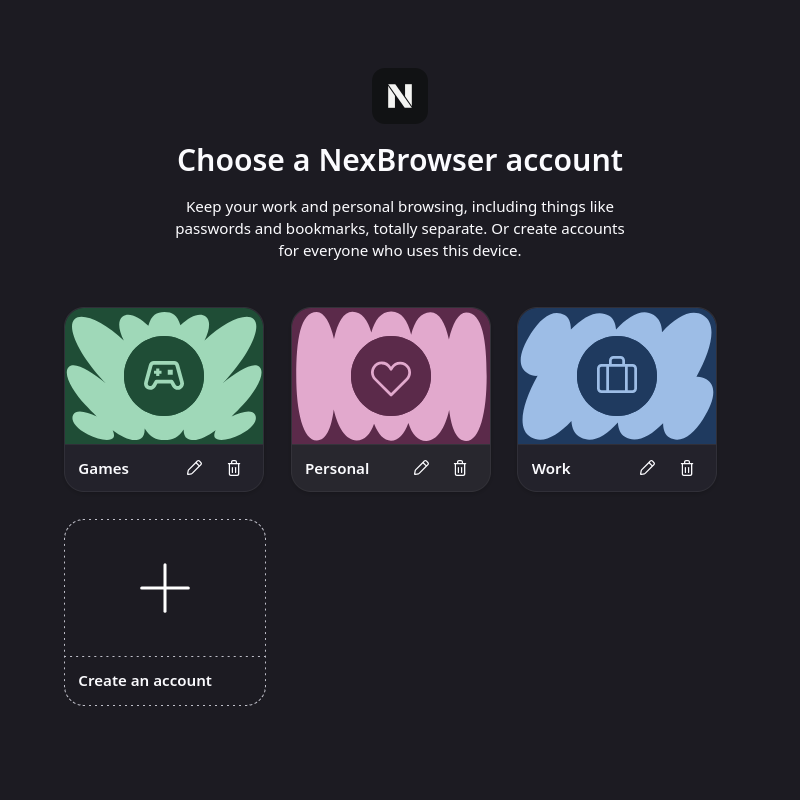
The account list appears at launch. Create new accounts and change their name, avatar and theme.
02
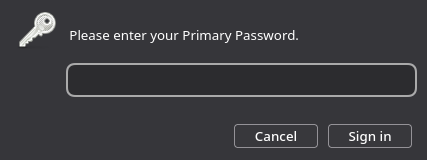
For a locked account no browser window opens before the password is entered. Cancel and NexBrowser quits.
03
Your tabs, workspaces and sessions are waiting. Other accounts' data is not visible.
Tabs live in the sidebar with readable titles.
Keep work, school and personal tabs apart.
Open two pages side by side without switching tabs.
Tracker blocking and safe browsing from the Firefox engine.

When the first release is ready, the download link will be published on the Download page.